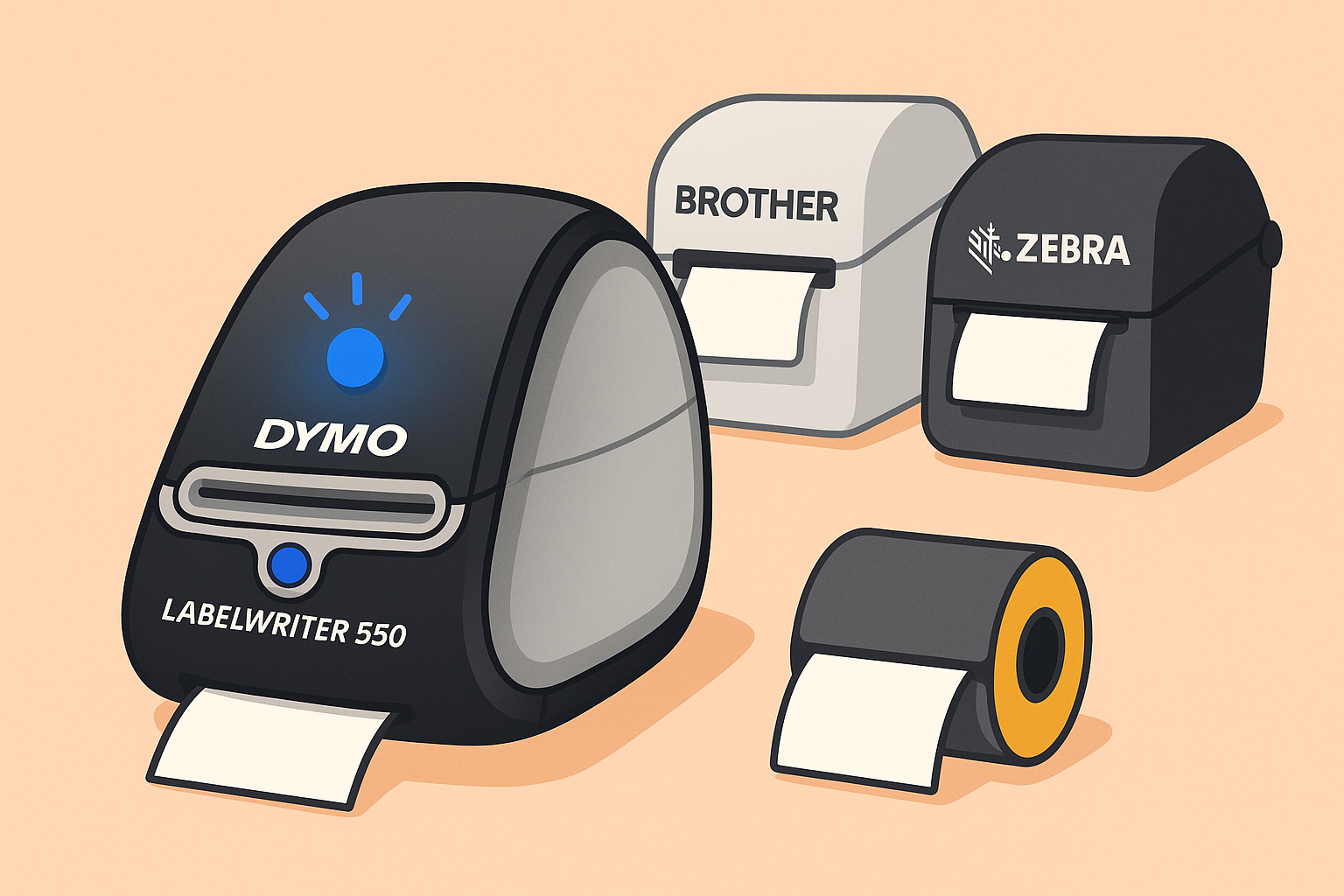
Is the light on your Dymo LabelWriter 550 or 5XL flashing and not printing anymore? You're not alone. This happens when you use compatible labels. The new Dymo models include an RFID chip that only recognizes original Dymo rolls.
Why is it flashing?
The printer refuses to print because it cannot detect an official chip. Dymo designed the 550 and 5XL series to reject third-party labels. Once the printer doesn’t recognize the chip, the light keeps blinking and printing stops.
Can you bypass it?
Unfortunately, no. The chip restriction is built-in and cannot be disabled. This means you can only use genuine Dymo labels — which are usually more expensive and harder to find.
The best alternative
Switch to a Brother or Zebra printer. These brands have no chip lock and work with affordable compatible labels. They’re faster, more durable, and give you full freedom of choice.
- For the Dymo 550: compact models like the Brother QL-600, Brother QL-700 or Brother QL-810W are excellent replacements for everyday office use.
- For the Dymo 5XL: choose a printer that supports wider labels, such as the Brother QL-1100 or an industrial printer from the Zebra ZD series (for example the ZD421 or ZD220).
These printers use standard thermal paper and are compatible with a wide range of universal label rolls — no RFID restrictions or brand lock-ins.
We no longer sell labels for the Dymo 550 and 5XL. Choose a printer that lets you decide what to print — without restrictions.