Frequently Asked Questions About Evri Shipping Labels
What size label does Evri use for shipping?
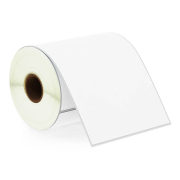
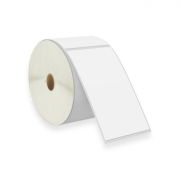
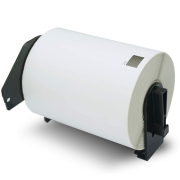
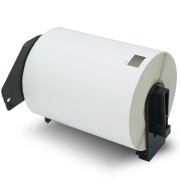
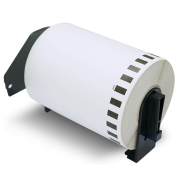
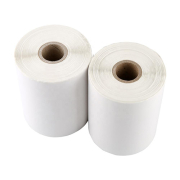
The official standard size across Evri’s shipping platforms is the standard 4x6 inch layout (approximately 100x150mm). For standard Zebra or Brother direct thermal printers, select our 102 x 150 mm rolls. If you are using a wide-format Dymo, choose the 104 x 159 mm (S0904980) rolls. Evri's system formats all addresses, QR, and routing codes neatly onto both options.
Can I print Evri labels on standard paper or A4 sheets?
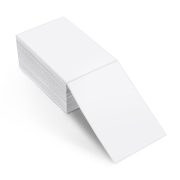
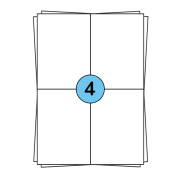
Yes, if you only ship occasionally or are just setting up your store, you can download your Evri labels as PDFs and print them using a traditional laser or inkjet printer. To avoid wasting paper and time spent cutting sheets with scissors, we recommend our specialized A4 sheet templates. For standard compact layouts, our A4 sheet labels in 210 x 99 mm (3 stickers per page) provide a clean, professional solution that eliminates the need to use loose sheets or clear packing tape.
Why is the courier or ParcelShop scanner unable to read my Evri barcode?
If a local ParcelShop cashier or an Evri courier fails to flash your label, it is usually caused by fine, vertical white lines splitting the printed bars. This occurs when paper dust or burnt adhesive residue builds up on your printer's thermal head. Because automated sorting sensors require exact spatial intervals to route packages correctly, clean your printhead regularly with an alcohol wipe. Additionally, ensure the label is applied completely flat on a center surface and never wrapped over an edge or fold.