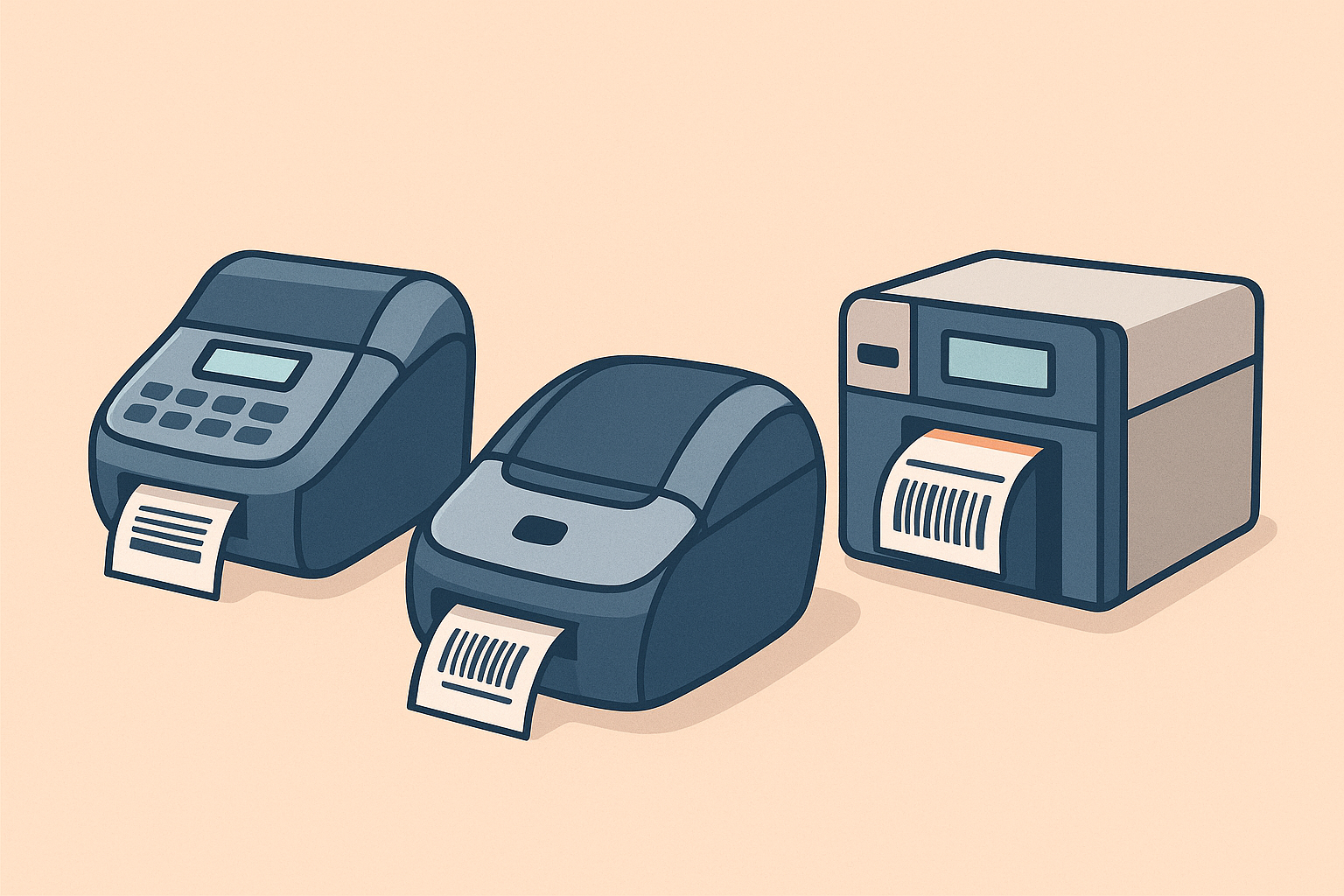
Choosing the right label printer saves time, prevents frustration, and lowers costs. The range is wide: from simple Dymo models for occasional use to robust Zebra printers that handle thousands of labels per day. Below we highlight the main differences and choices.
Daily volume & speed
- Up to 100 labels per day: Dymo LabelWriter and Brother QL series are suitable for small offices or webshops printing occasionally. Compact and affordable, but less suited for heavy use.
- 100–1,000 labels per day: Zebra ZD421 or ZD621 desktop printers provide more speed, stable feeding, and optional network connections. Ideal for growing webshops and warehouses.
- 1,000+ labels per day: industrial models such as Zebra ZT220/ZT231 or Honeywell PM45 are designed for continuous use. Faster, durable metal housing, and built for years of intensive work.
Print width & label formats
The width of the printer determines which labels you can use. For shipping labels (100×150 mm) you always need a 4-inch printer. Do not choose a 2–3 inch entry-level model if shipping labels are your main use case. For smaller warehouse or price labels up to 62 mm wide, a narrow desktop printer (e.g. Brother QL-800 or Zebra ZD411) is sufficient.
Brands & differences
- Dymo: easy to use, low purchase price, but limited in speed and width (max. ~60 mm). Suitable for light use.
- Brother: flexible models with many label options and good software support. Strong choice for offices and light logistics.
- Zebra: the industry standard in logistics and warehousing. From compact desktop models to heavy-duty industrial printers. Reliable, scalable, and widely used.
- Bixolon & Honeywell: alternatives that are often more affordable, but comparable in performance to Zebra. Interesting for cost-conscious companies.
Connections & software
- Windows/Mac: all brands offer drivers and a basic Label Editor.
- ERP/WMS integration: Zebra and Honeywell support ZPL/EPL and network options (LAN/Wi-Fi), perfect for webshop or warehouse software integration.
- Cloud & API: Zebra Link-OS enables remote management and cloud integrations.
Quick guide
| Use case | Recommendation |
|---|---|
| Webshop with 50 parcels/day | 4" desktop printer (Zebra ZD421D or Brother 1100C) |
| Warehouse with stock labels | 4" desktop or industrial (ZD621 / ZT231) |
| Office or narrow labels | Dymo LabelWriter 450 or Brother QL-800 |
| Continuous use 1,000+/day | Zebra ZT series or Honeywell PM45 |
Important warning
Our compatible labels are not compatible with the Dymo LabelWriter 5 series
(e.g. 550 and 5XL). These printers only accept original Dymo labels with RFID chip.
Common mistakes
- Choosing a printer that’s too narrow: a 2-inch model won’t fit shipping labels (100×150 mm). For parcels, 4-inch is required.
- Overloading entry-level models: Dymo and Brother are not designed for hundreds of labels per day. This causes jams, wear, and unnecessary costs.
- Skipping network connectivity: when multiple users print, a USB-only printer is impractical. A LAN or Wi-Fi model prevents delays and cable clutter.
- Looking only at purchase price: cheaper printers may have higher label costs or shorter lifespans. Always calculate long-term costs.
Not sure which printer fits your needs? Contact us and we’ll advise you free of charge within one working day.