Frequently Asked Questions About DPD Shipping Labels
What is the standard label size required by DPD?
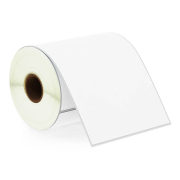
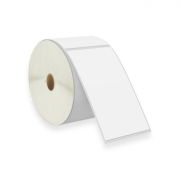
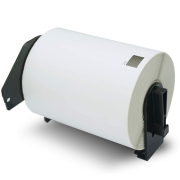
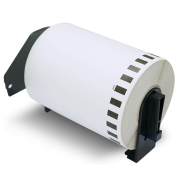
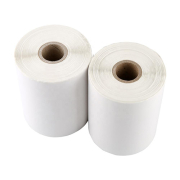
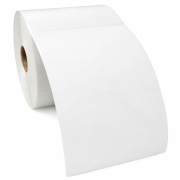
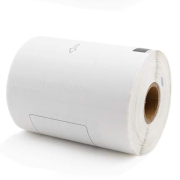
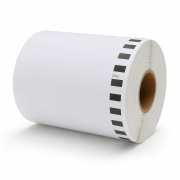
The standard size used across the DPD network is the universal A6 format (approximately 4 x 6 inches). If you operate a Zebra, Brother, or TSC printer, you will need our 102 x 150 mm rolls. For users printing on a Dymo wide-format machine, the correct match is the 104 x 159 mm (S0904980) model. DPD's software automatically fits all necessary barcode lines onto both sizes.
Can I print DPD labels on a standard office printer using A4 sheets?
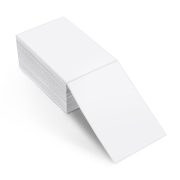
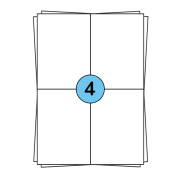
Yes, this is an excellent option for managing occasional shipments or starting your online store without investing in a dedicated label printer. You can download your DPD labels as a PDF and print them using a standard laser printer. For long-format export layouts or customized software outputs, our large A4 sheet labels in 210 x 99 mm (3 stickers per page) provide the perfect alignment to ensure no barcodes are stretched or distorted.
Why is my DPD driver unable to scan the barcode on my package?
If a barcode is rejected during collection or at a DPD depot, it is usually caused by fine, vertical white lines running through the printed bars. This indicates that your thermal printhead is dirty from paper dust or adhesive residue. Because DPD scanners require highly precise line spacing for international routing, these micro-gaps cause instant errors. Clean your printhead regularly with an isopropyl alcohol wipe and always apply the label completely flat without creases.